
Clap. Your phone answers.
Lost your phone under a cushion? Clap twice and Find My Phone Launcher rings, even on silent.
Free, paid for by adverts. The button opens the Google Play Store. Installing the app means you accept its Terms of Service and Privacy Policy.
Find it without digging through the sofa
It rings, even on silent
Two quick claps and the phone takes over the screen with the alarm you picked. Stop is a large button, easy to hit once you have found it.
- Rings at max volume when you turn that on, over silent and a low ringer
- Stops on its own after 60 seconds
Pick the sound it answers with
Siren, beeps or a chime. Try the alarm before you need it, and set how loud it is.
- Three sounds, with a test button on the Find page
- Flashlight and vibration can join the alarm
Tuned to your claps
The Find page is one swipe from home. Turn detection on or off, choose how sensitive it is, and decide whether it ignores claps while you are using the phone.
- Low hears loud claps only. Medium is the recommended starting point. High hears softer claps.
- Flash the flashlight and vibrate while the alarm rings.
- Only when the screen is locked, so everyday claps do not set it off.
- Sound is not recorded, stored, or uploaded. The microphone only listens for a clap.
A home app that listens
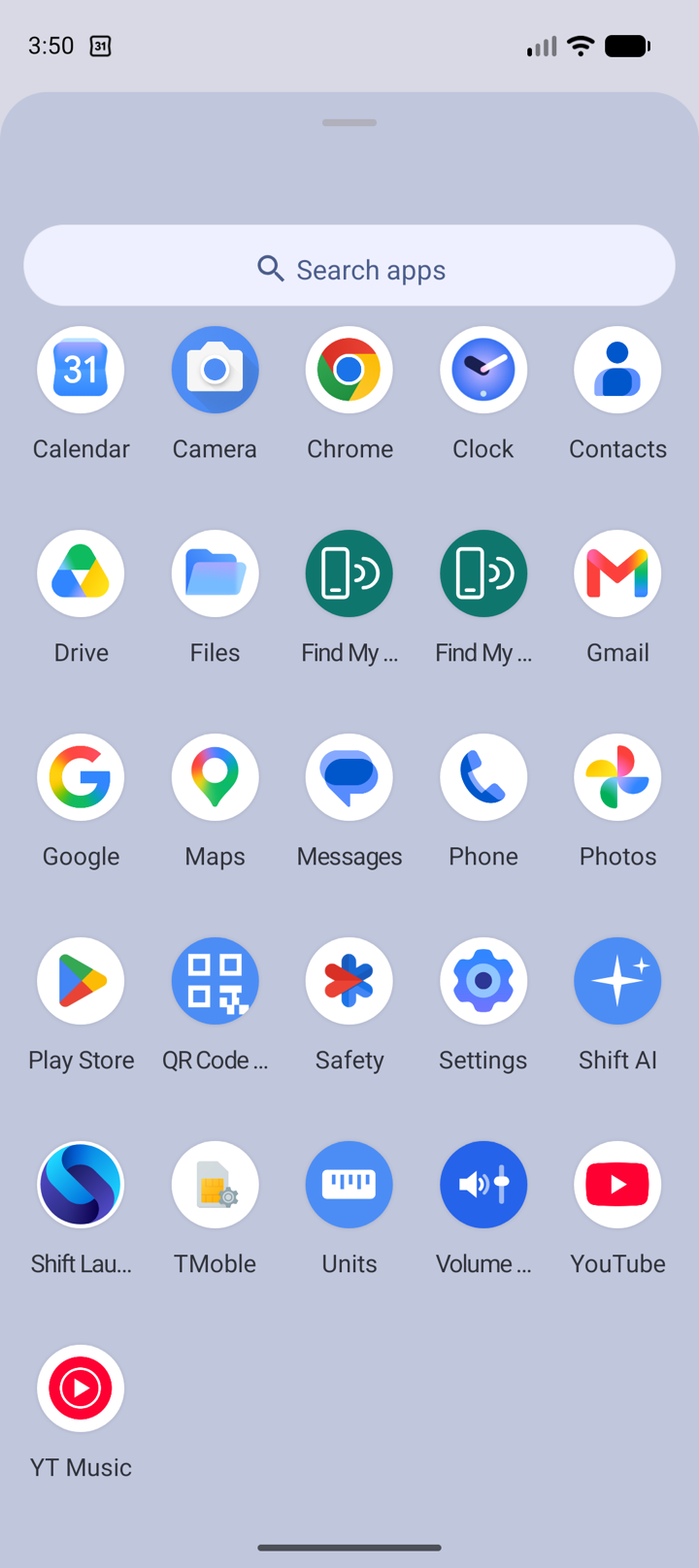
Your apps, one swipe away
Your apps are all still here. Swipe up for the full list. Your wallpaper stays exactly as you left it.
Search without leaving home
Headlines and web results open from the bar on the home screen. You choose which search engine it uses, and you can change your mind later.

Questions people ask
Select a question to read the answer.
Do I need to make it my default home app?
It works best that way. Pip can keep listening for a clap when Find My Phone Launcher is your home app. If you switch back, clap detection may stop while the phone is idle. You can change the home app at any time, and Revert home app in the side menu opens that setting.
How do I make it ring?
Clap twice. Two quick, sharp claps work best. The phone answers with the alarm you picked on the Find page, which you open by swiping right from home.
Will it ring if the phone is on silent?
Yes, when Always ring at max is on. That setting overrides silent mode and a low ringer. You can turn it off and set a lower alarm volume if you would rather it stay quiet.
Does it record what it hears?
No. That audio is processed on your device to detect the clap. We do not record it, store it, or upload it. The microphone only listens for a clap. The Privacy Policy explains what else is collected.
Where did all my apps go?
Nowhere. Find My Phone Launcher replaces your home app, not your apps. Swipe up from the bottom to reveal every app on your phone.
Can I keep my own wallpaper and search engine?
Yes to both. Your wallpaper stays when you switch. To change the search engine, press and hold an empty part of the home screen, open Home settings, and pick the one you want under Search.
Is the app really free?
Yes. There is no purchase and no subscription. The app contains ads, which is how it is paid for.
Who is Pip?
Pip is the phone with ears on the setup screens and on the ringing screen. Pip is the face of clap detection. The microphone only listens to detect a clap. We do not record it, store it, or upload it.
What if I want to remove it?
Set another launcher as your Home app first, then uninstall Find My Phone Launcher like any other app. Doing it in that order matters, because uninstalling your current home app without choosing a new one can leave you on a blank screen. There is a step by step guide on this site.
Clap, and it answers
Free, and you can go back to your old home app whenever you like.
 Install from Google Play